
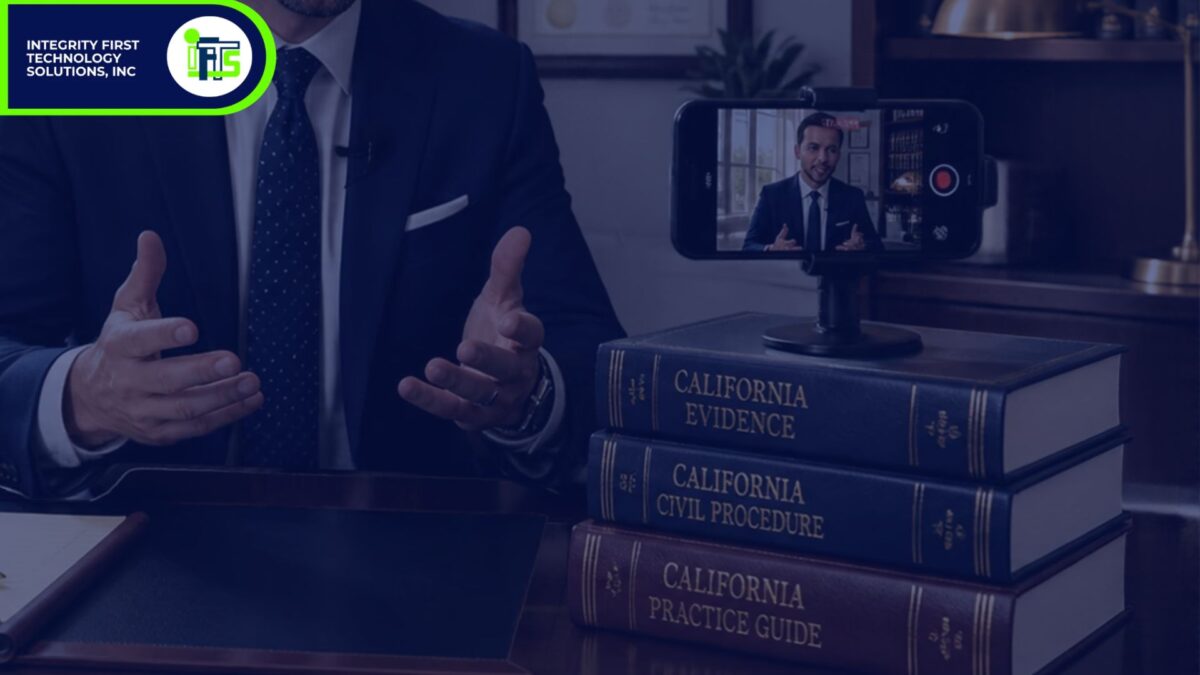
If you run a family law or estate planning firm with two to ten attorneys, and you’ve been meaning to start making videos but never have the time, this guide is for you. With a short clip from your phone and ChatGPT, you can have a finished, professional video in about 20 minutes.
Most attorneys we work with have tried video before. Some made five or six, and then court and clients took over and the gas ran out. That isn’t a discipline problem. It’s a systems problem at the editing stage. Editing just takes too long.
So we tested several AI tools to find the fastest way for a busy attorney to get from ‘I recorded something’ to ‘likes and comments’. Below is the process we landed on, including the prompts you can copy and paste.
One thing to be clear about: AI isn’t writing you a script, and it isn’t giving legal advice. These are your words and your expertise. It’s you. AI only handles the editing.
How to Make Your Video
The process has six steps and one optional bonus.
Step 1: Choose What to Talk About
Choose one question your clients ask you all the time, especially new clients. Questions like “How long does a divorce take in [STATE]?” or “Do I need a will if I don’t own much?”
Answer it in one to three minutes, the way you answer a client’s question when they’re sitting across from you.
Step 2: Record Yourself on Your Phone
You don’t need a studio. A few simple choices make a phone video look and sound professional:
- Turn the phone sideways. That gives you the horizontal format YouTube and your website use.
- Face a window. The light should be in front of you, not behind you.
- Keep the phone at eye level. A stack of books works fine.
- Choose a quiet room. Sound matters more than picture. If you buy anything, make it a $20 clip-on microphone. Your phone can then sit wherever you want it without needing to be close enough to pick up your voice.
- Don’t start over when you stumble. Pause, take a breath, and go back to the start of your previous sentence. The AI editor will cut the mistake later.
Step 3: Get the Video Onto Your Computer
AirDrop it, email it to yourself, or upload it to Google Drive. Use whatever method you already use for photos.
Step 4: Edit It in ChatGPT
On your computer, open ChatGPT and upload your video. Then copy and paste this prompt:
“Edit this video for my law firm’s YouTube channel. Trim the dead air at the beginning and end, remove long pauses and filler words like “um,” remove nonverbal sounds like me clearing my throat, if I retake a line remove the incomplete duplicate, and add clean captions. Adjust the color & lighting to create a professionally-lit scene & subject. Keep everything I said and don’t change my words. No background music.”
Press enter and let it work. In our test, the edit took about four minutes.
Step 5: Make a Few Small Fixes
If something isn’t quite right, tell ChatGPT in plain English. For example:
“Cut the part at 1:12 where I repeat myself.”
“Make the captions larger.”
“Add a contact card at the end with my firm name and phone number.”
That’s all it takes. There’s no editing software and nothing new to learn. It’s a series of clean, repeatable steps that let you focus on sharing your expertise with current and future clients.
Bonus: Add a Piece of B-Roll
If you’d like a little variety, you can add b-roll. B-roll is a short clip of something other than you talking, such as a family walking in a park or someone signing documents. Tell ChatGPT where to put it and for how long:
“At 0:45, show a five-second clip of a family walking in a park while my audio keeps playing.”
Limit it to one or two clips. You are the reason people are watching.
Step 6: Upload Your Finished Video
From raw phone video to finished edit, our test took about 20 minutes. Now upload it to YouTube, LinkedIn, Facebook, and your website. That’s one video in four places.
For the title and description, go back to ChatGPT. You give it your practice area, your city, and the question you answered in the video. It gives you five title options and a short description that ends with your phone number and website. Paste this prompt + [fill-in your information]:
“Write five YouTube video titles under 60 characters that a potential client might search for, and a short description that ends with my [PHONE NUMBER] and [WEBSITE] based on this question: [QUESTION]. I’m a [PRACTICE AREA] attorney in [CITY, STATE]. Use plain language, don’t give legal advice, and don’t promise results.”
Then edit the text output so that it is your voice. The prompt also tells ChatGPT not to give legal advice and not to promise results, which keeps the output consistent with your bar’s advertising rules.
What to Do Next
Record one video this week. Choose the question you answered most often last month and follow the steps above. Your first video won’t be perfect, and it doesn’t need to be. It needs to be clear, accurate, and posted.
In our next post, we’ll show you how to turn one batch of law firm videos into a blog post series, social clips, and captions that keep establishing your credibility long after the first video is made.
If you’d rather have someone handle all of this for you, that’s what we do at IFTS Design. We work only with small law firms. Contact us here (https://iftsdesign.com/contactus). The link goes straight to our contact page, with no initial form to fill out.